
Power BI Interview Questions
What are the Top 10 Powerful Uses of Power BI Desktop?
Uses of Power BI Desktop is its ability to give all the solutions for data transformation, analysis and visualization.
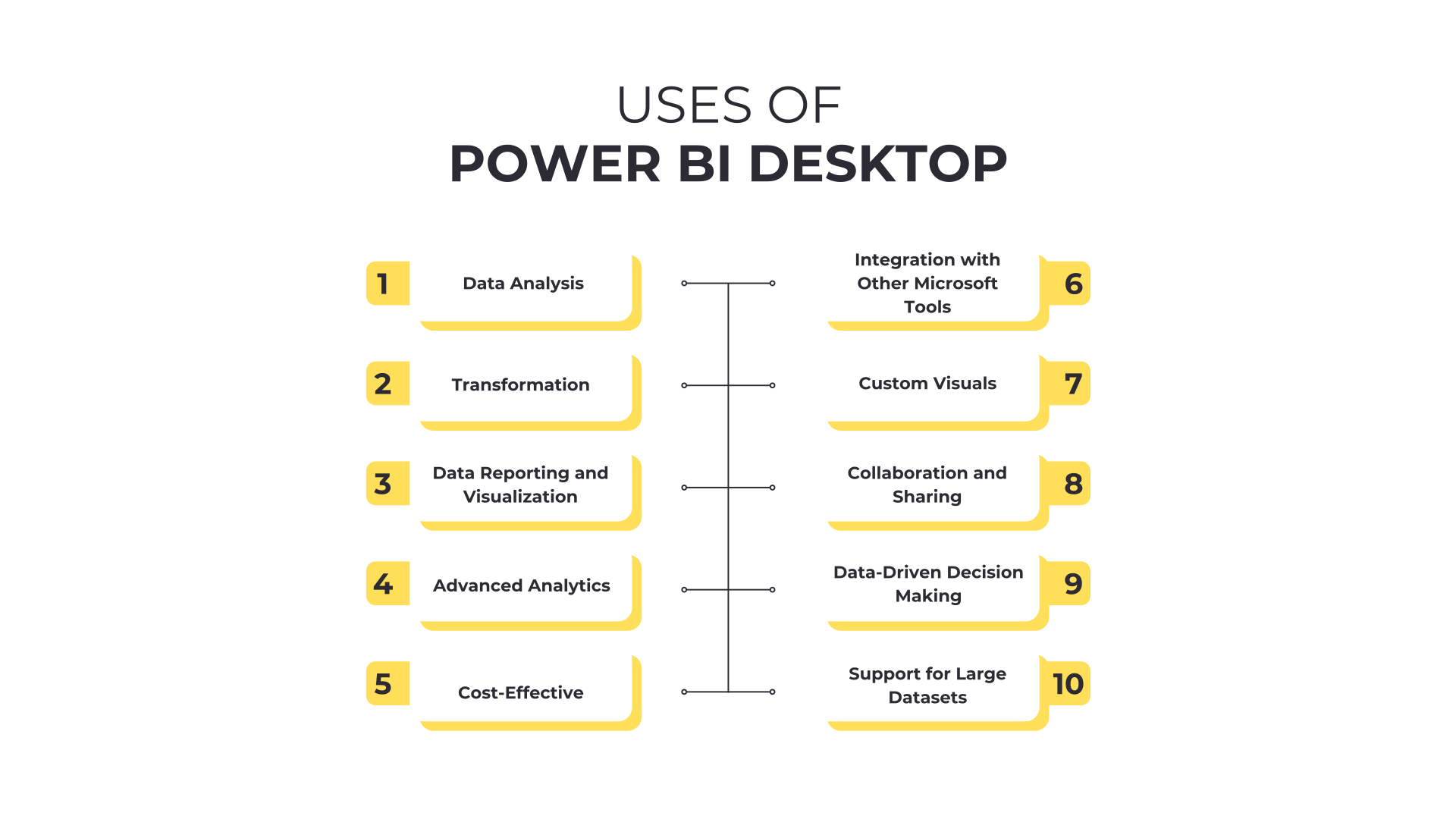
Uses of Power BI are as following: –
1. Data Analysis
Power BI Desktop allows users to connect to a variety of data sources, such as Excel, SQL Server, web data, cloud services, and more. It allows you to import, Connect, transform, and combine data from multiple sources into a single report, which is essential for detailed data analysis. This helps businesses gain deeper insights from diverse data without the need for complicated coding.
2. Data Transformation
Power BI Desktop includes the Power Query tool, which makes it easier for the user to clean and transform raw data into useful data. Users can filter, remove duplicates, change data types, and combine data from multiple tables or sources. This process is essential for preparing data in a format that’s ready for analysis and visualization, without relying on advanced technical skills.
3. Data Reporting and Visualization
Power BI Desktop allows users to create visually appealing reports with low effort. The drag-and-drop interface makes it easy to build interactive charts, tables, maps, and more. Businesses can create reports that tell a story with data, making it easier for stakeholders to understand trends, patterns, and insights.
4. Advanced Analytics
For users who need more sophisticated data modeling and analysis, Power BI Desktop supports DAX (Data Analysis Expressions) for creating calculated columns, measures, and complex formulas. Additionally, features like trend analysis, forecasting, and what-if analysis are built into the tool, allowing users to perform deep, actionable analysis that drives better business decisions.
5. Cost-Effective
Power BI Desktop is free to use, which makes it an attractive option for individuals, small businesses, or teams looking to work with data without investing in expensive software. The ability to create advanced reports at no cost provides significant value, especially for organizations with budget constraints.
6. Integration with Other Microsoft Tools
If you’re already using Microsoft tools such as Excel, SQL Server, or Azure, Power BI Desktop integrates seamlessly with these products. This makes it easier to import data and use familiar tools and functions, streamlining workflows and improving productivity.
7. Custom Visuals
While Power BI Desktop offers a wide array of built-in visuals, users can also import custom visuals or create their own. This feature enables you to tailor your reports to specific business needs, presenting data in unique ways that may not be possible with other reporting tools.
8. Collaboration and Sharing
Once reports are created in Power BI Desktop, they can be published to the Power BI Service (cloud) for sharing with others. While the desktop version itself is for report creation, publishing reports to the cloud allows teams to access the data from anywhere and collaborate on insights in real time.
9. Data-Driven Decision Making
Power BI Desktop helps businesses and organizations make data-driven decisions by providing them with clear, actionable insights in an accessible format. The ability to visualize trends, KPIs, and metrics in real-time is crucial for improving decision-making and overall business performance.
10. Support for Large Datasets
Power BI Desktop can handle large datasets efficiently, making it suitable for enterprise-level data analysis. It supports high-performance data modeling and can work with large volumes of data, which is essential for organizations dealing with complex and vast datasets.
Conclusion
Power BI Desktop is a powerful tool for businesses and individuals looking to extract valuable insights from their data. Whether you’re an analyst, a business owner, or a decision-maker, Power BI Desktop helps you create compelling, data-driven reports that drive smarter decisions and improve overall business performance.
Uses of power bi, uses of power bi, uses of power bi, uses of power bi, uses of power bi
Add comment